For the complete documentation index, see llms.txt. This page is also available as Markdown.

Sky Replacement

Replace grey, overcast skies with clear or cloud-filled ones.

Replaces a grey or overcast sky with a clear or cloud-filled one of your choosing.

Parent Property Name: restage

Sub-property: sky

Accepted Values: string | null

Values:

  • AS_SHOT: Keeps the original sky (equivalent to the old sky_replacement: false).

  • CLEAR: Creates a sky without any clouds.

  • LOW_CLOUD: Creates a sky with low cloud saturation.

  • LOW_CLOUD_LOW_SAT: Creates a sky with neutral sky and cloud saturation.

  • HIGH_CLOUD: Creates a sky with high cloud saturation.

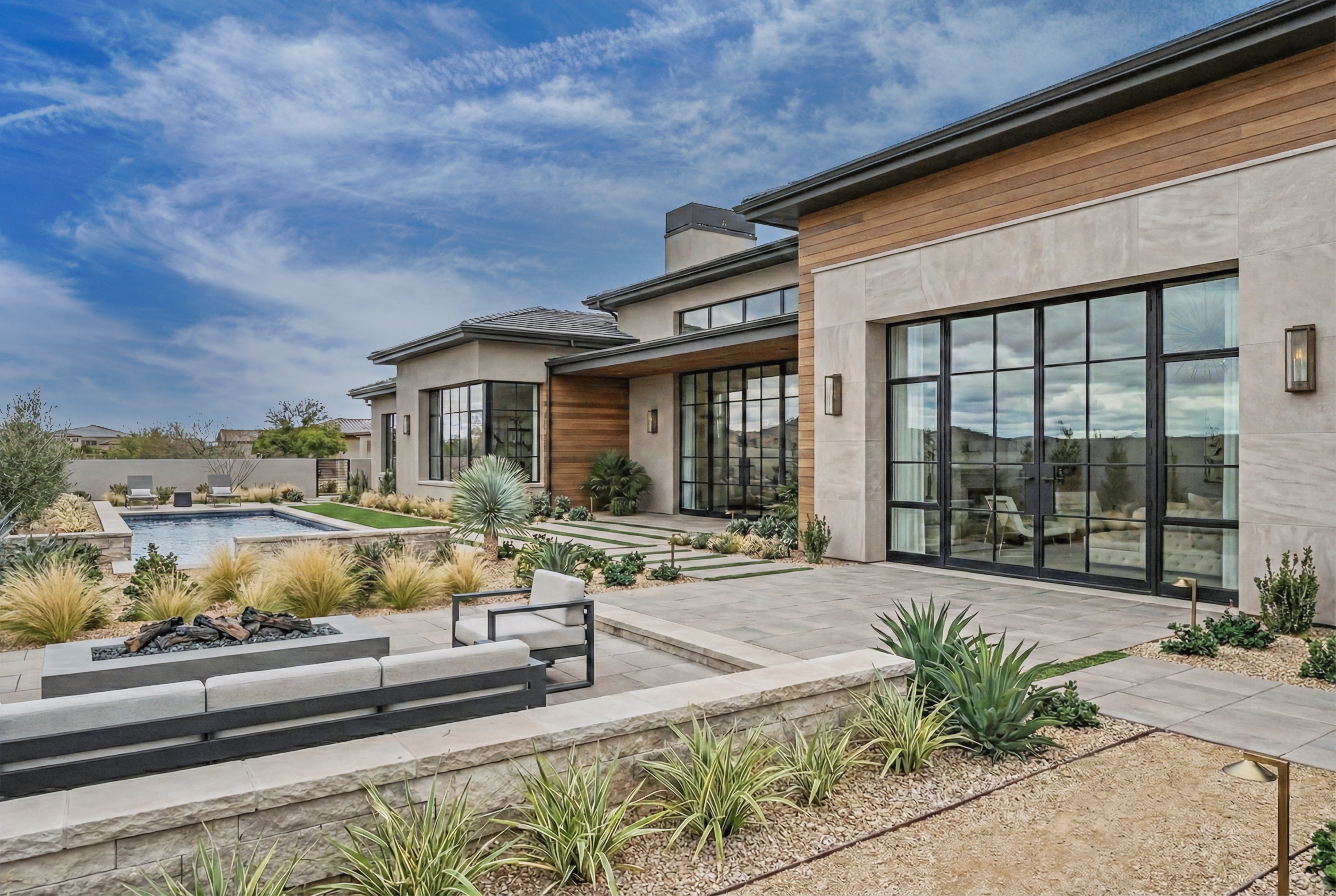
  • WHISPY_CLOUD: Creates a sky with light, wispy clouds.

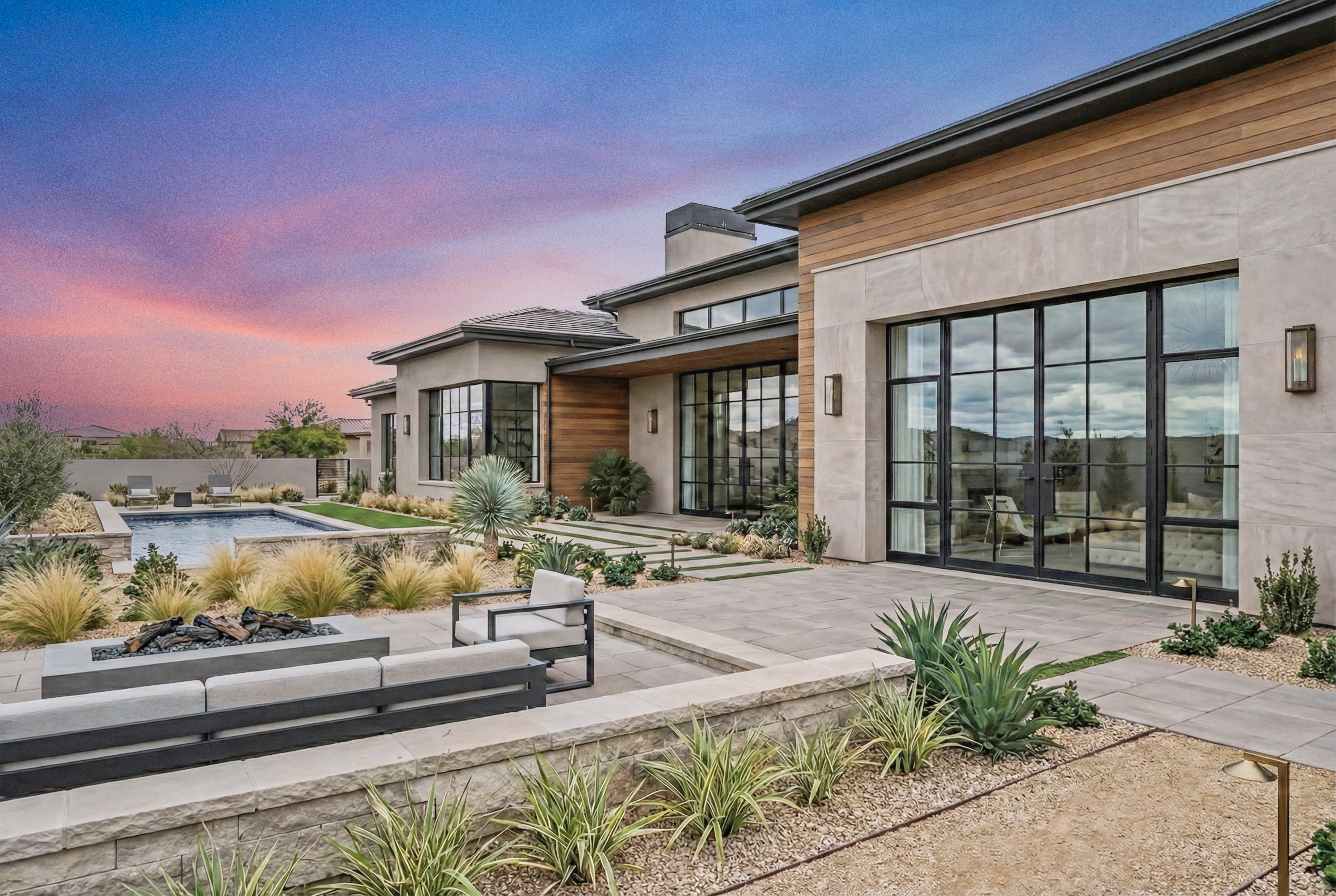
  • DUSK_CLOUD: Creates a warm, dusk-toned sky.

Default: AS_SHOT

Example:

{
  "restage": {
    "sky": "LOW_CLOUD"
  }
}

Upgrading from sky_replacement / cloud_type? From API version 2026-07-01, sky control is consolidated into the single restage.sky property. On older versions the separate sky_replacement (boolean) and cloud_type (enum) fields still work and are folded into restage.sky automatically. See API Versions for the full migration.

WHISPY_CLOUD and DUSK_CLOUD are only produced by more recent AI versions. On older AI versions the request is still accepted, but these styles won't be applied. See AI Versions to check or update your AI version.

Sample images

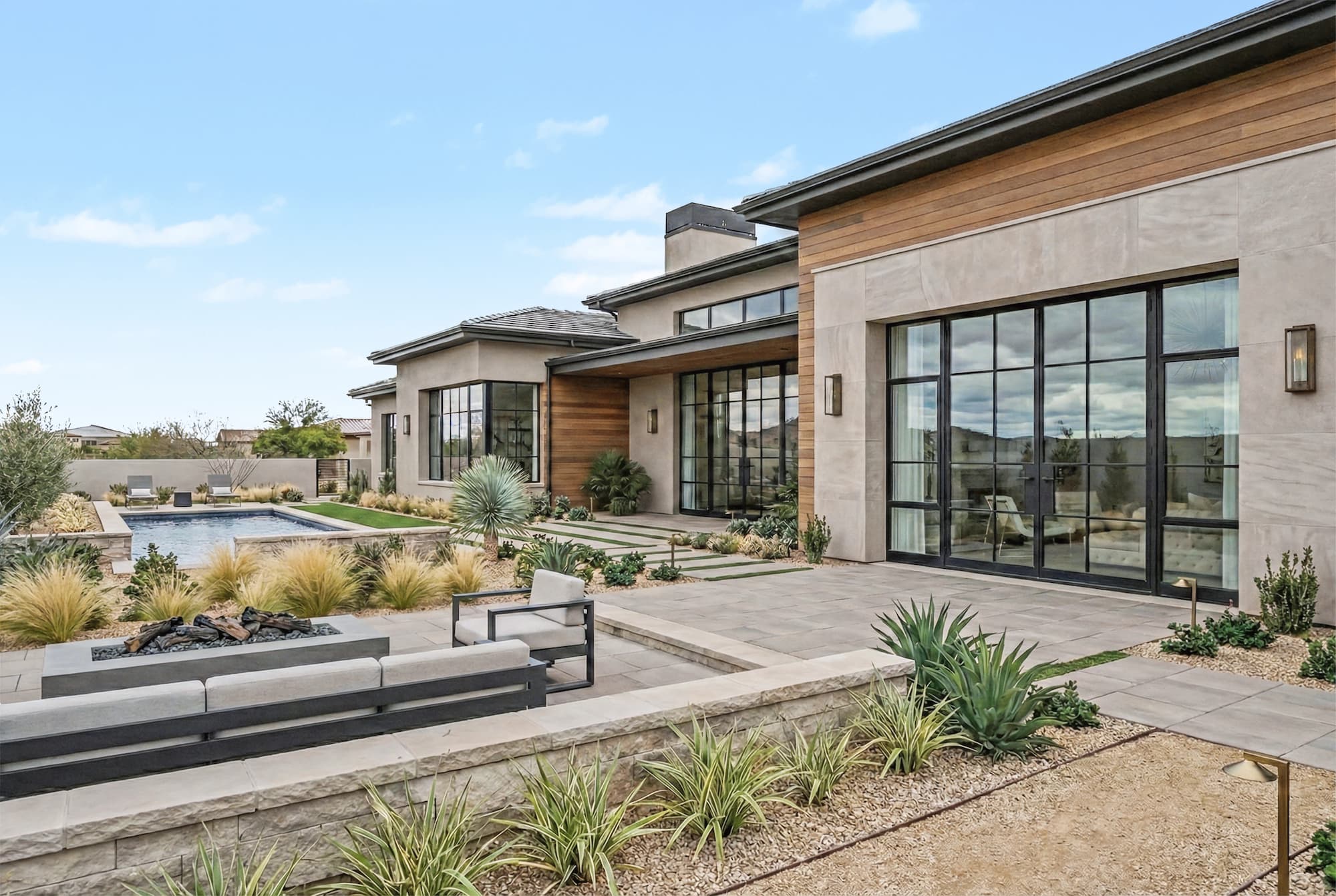
Example of original image with the sky kept as shot

Last updated

Was this helpful?